See it before you ink it.
A tattoo stays. The doubt before it doesn't have to: Tattvue places your design onto a photo of the spot you have in mind – your skin, your light, your size. You see how it really looks before the needle touches you.
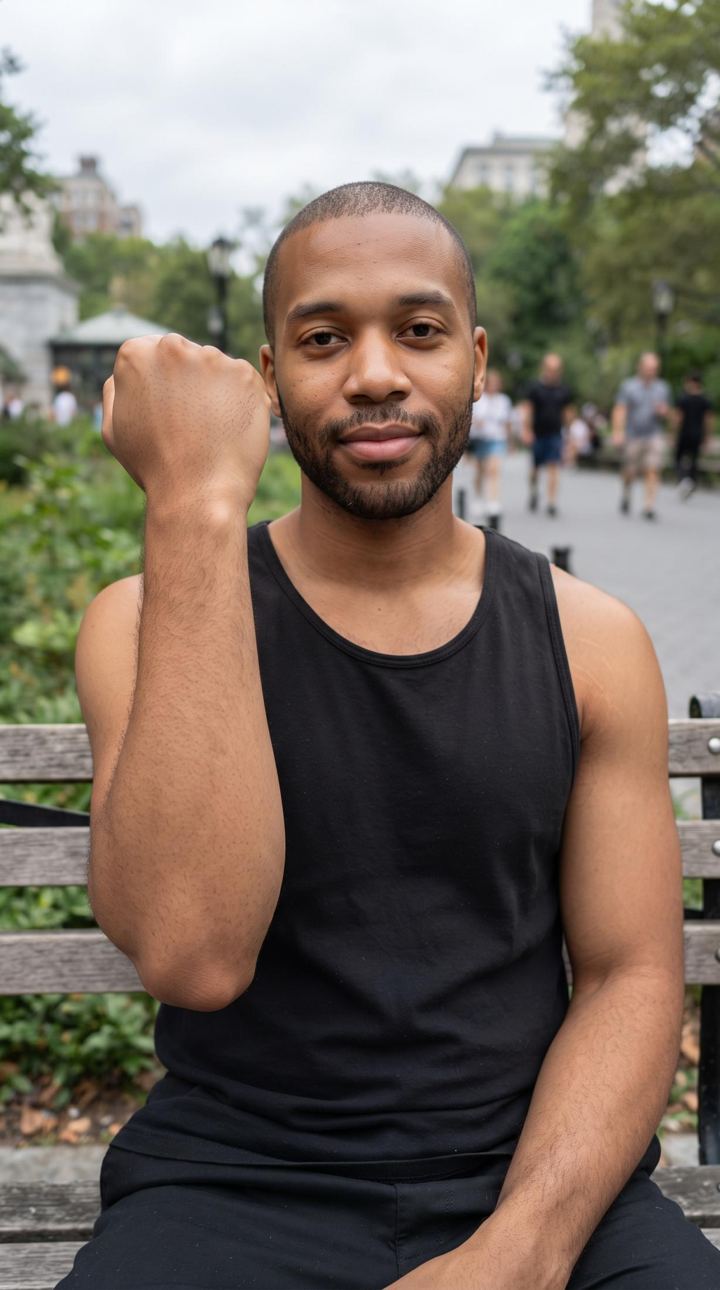 Before
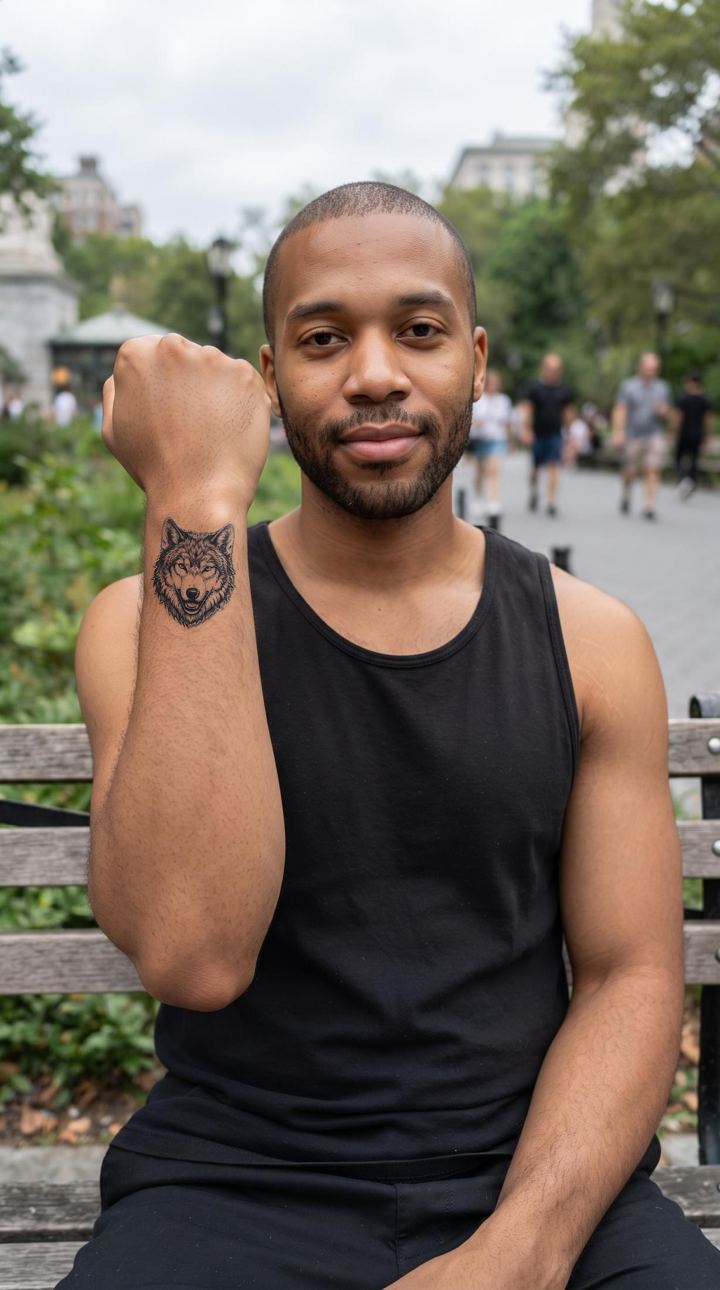 After
AfterWhat keeps you up before the appointment
Is this the right spot?
Forearm or upper arm, wrist or shoulder – everything looks fine on paper. On the body, the curve decides.
How big should it be?
An inch too small and the detail vanishes. An inch too big and it looks stuck on.
Does it even suit me?
The studio's flash sheet shows the design – not you. Only on your skin do you see whether it fits.
Tattvue takes the guessing out
Sitting in a studio holding a sketch and hoping – it doesn’t have to be that way. That’s why there is an app that puts the design where it belongs: on your photo.
- 17 styles – from fine line to blackwork, realism to American traditional
- Your own designs and lettering in licensed tattoo fonts
- Photos are deleted from our server within 24 hours at the latest
- Built in Germany
How it works
Photograph the spot
Take a photo of the body part the way you see it every day – real light is welcome.
Pick a design
Choose from one of 17 styles, upload your own design or type a piece of lettering.
See the preview
Mark the spot, set the size – and see the tattoo on your skin before you commit.
See it on you before you decide
Tattvue is available for iPhone on the App Store.
What is at stake
- A design sitting in the wrong place
- A size you regret once it is done
- Months of second-guessing instead of a clear yes or no
- You walk into the studio with a picture, not a hope
- You discuss placement and size with your artist as equals
- You decide – or you deliberately don't
More examples
All images are AI-generated – the people do not exist, the tattoos were placed with Tattvue.
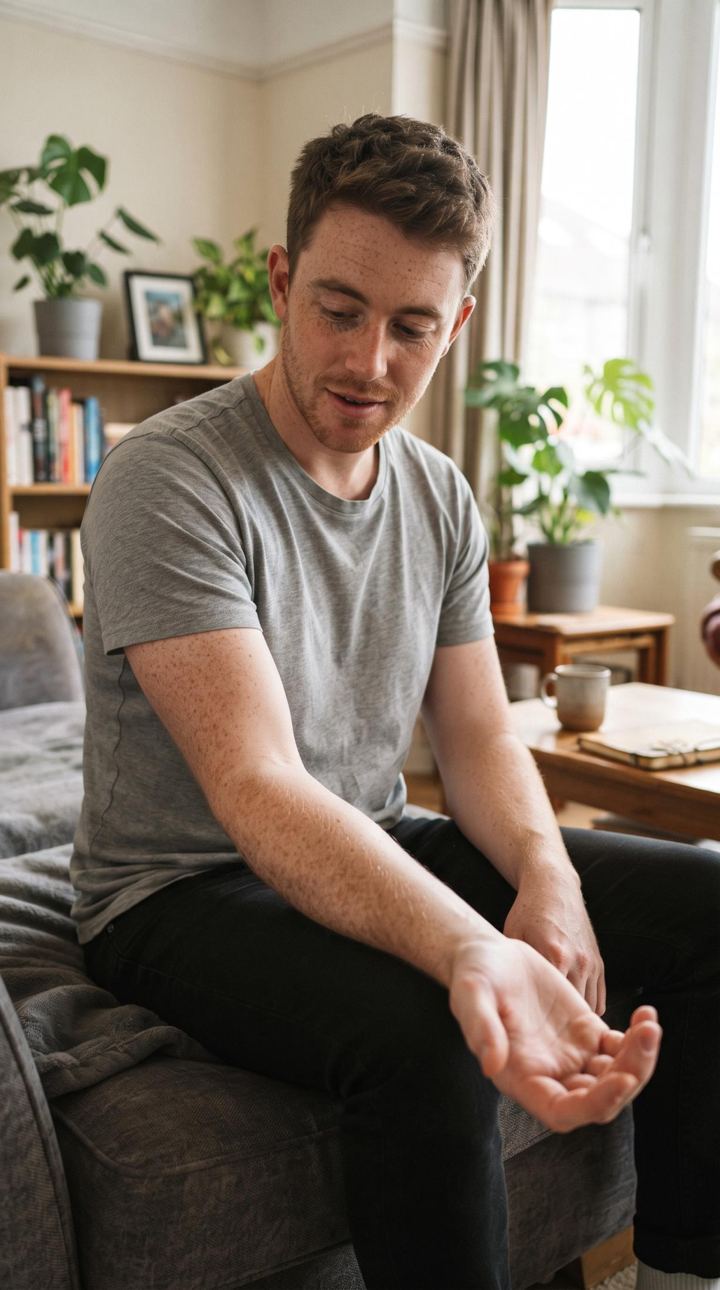 Before
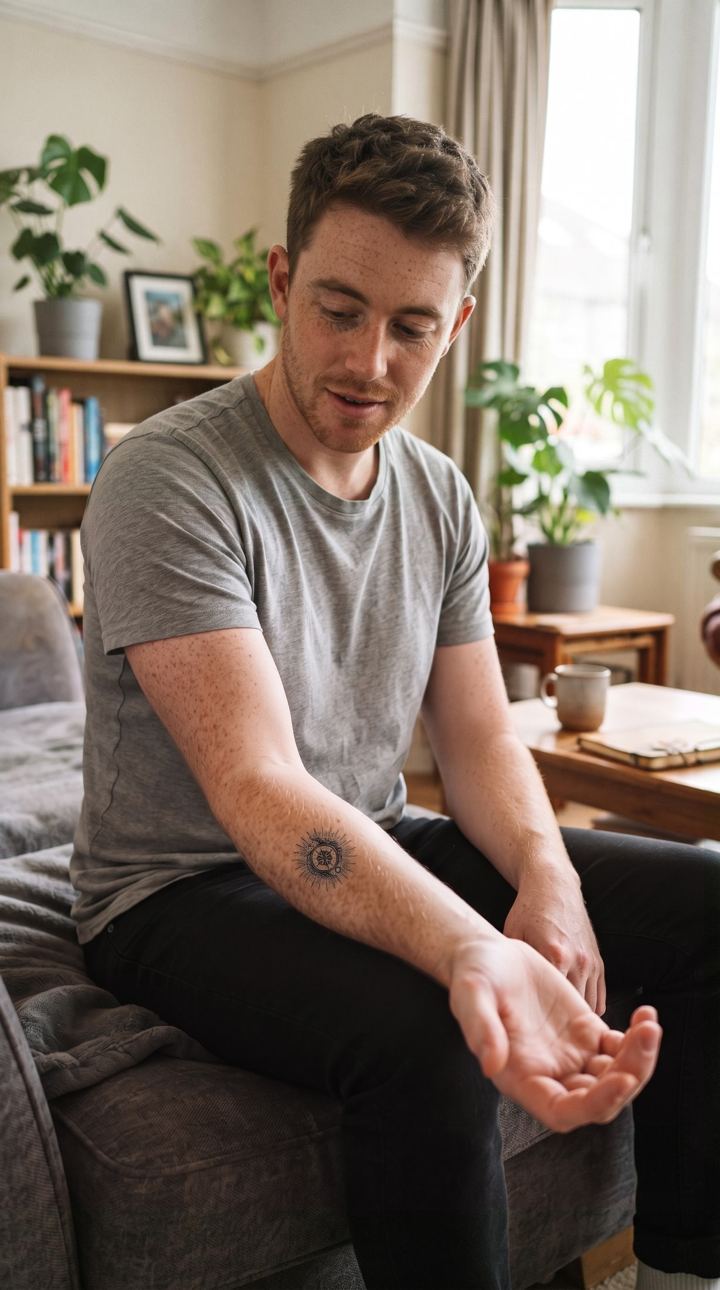 After
After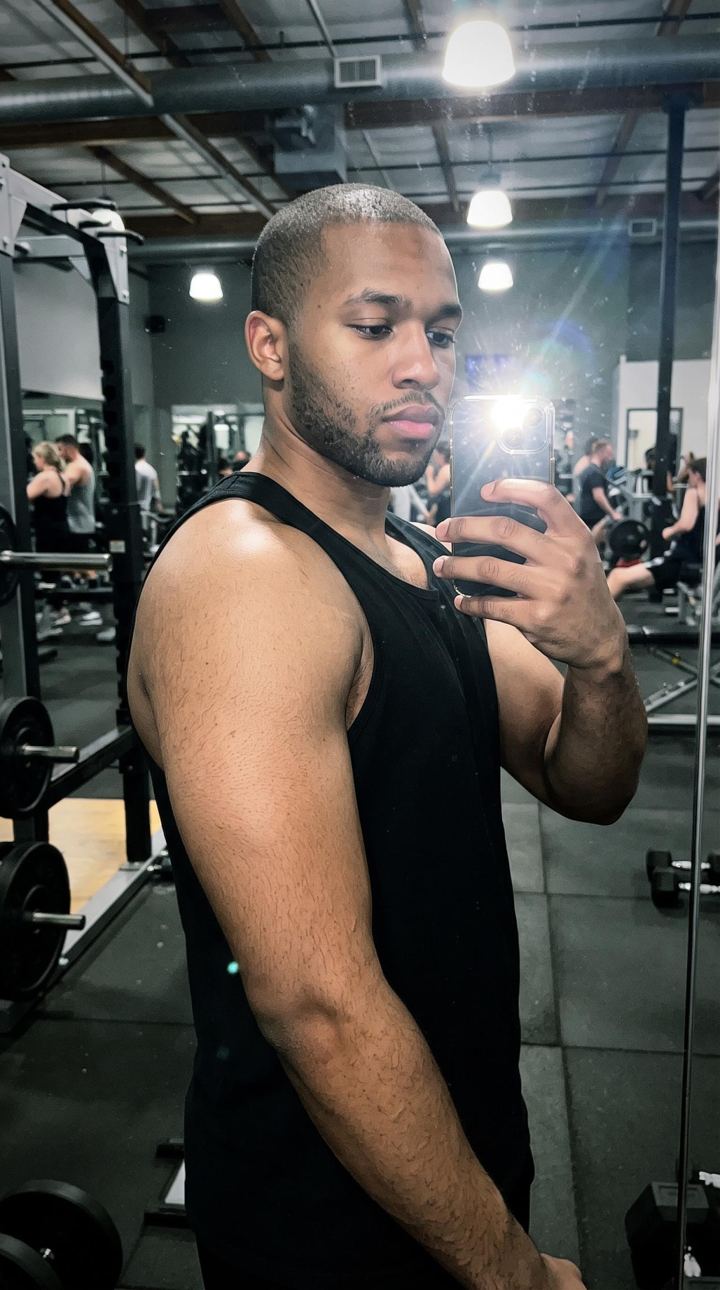 Before
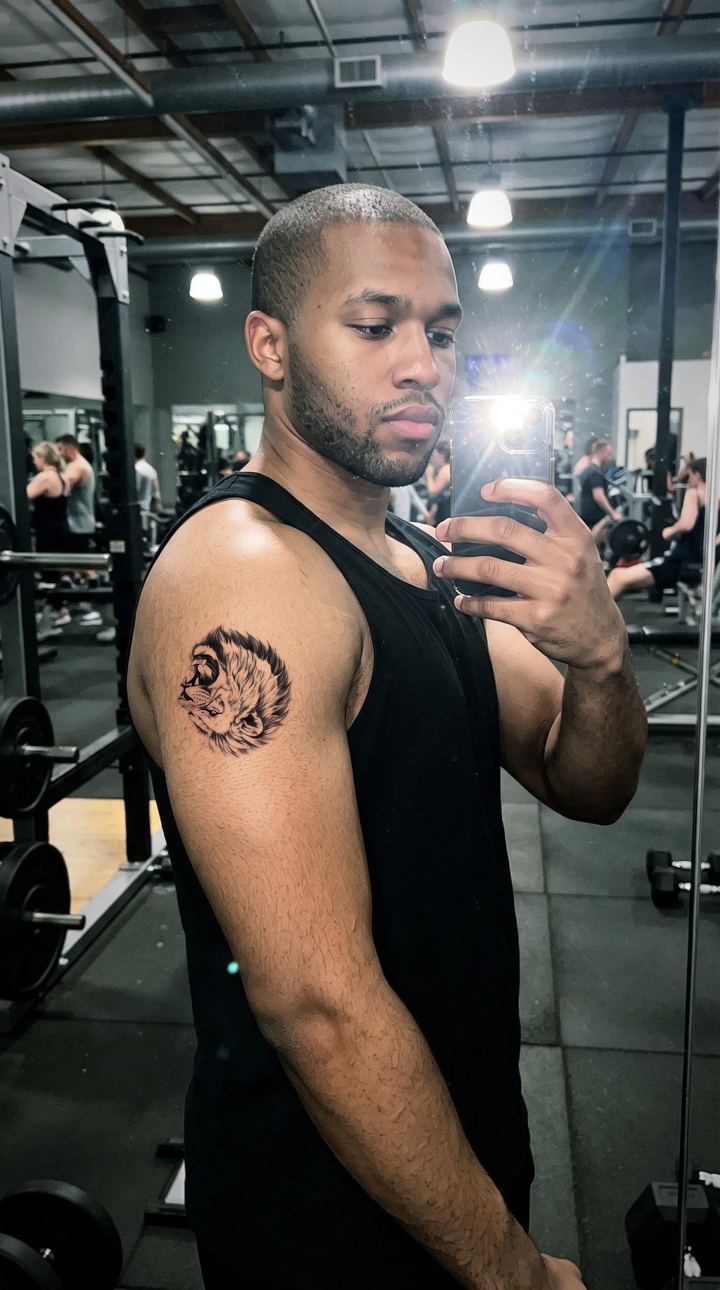 After
After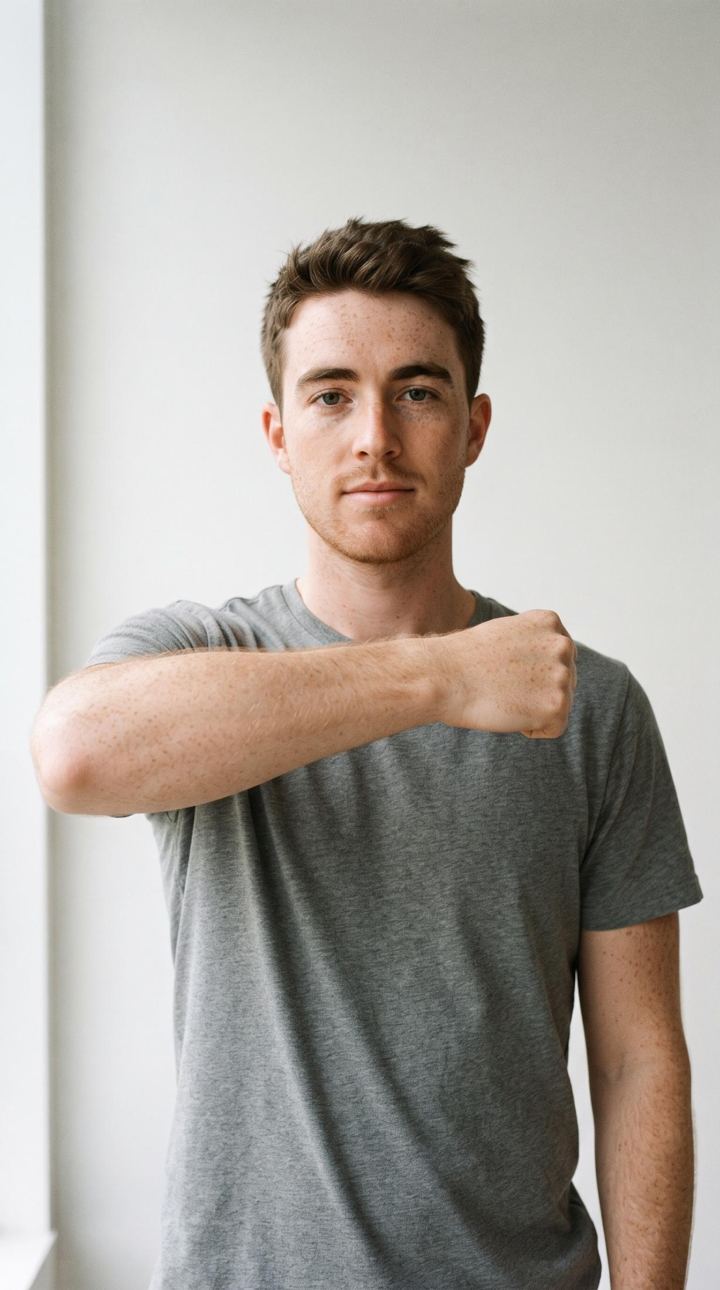 Before
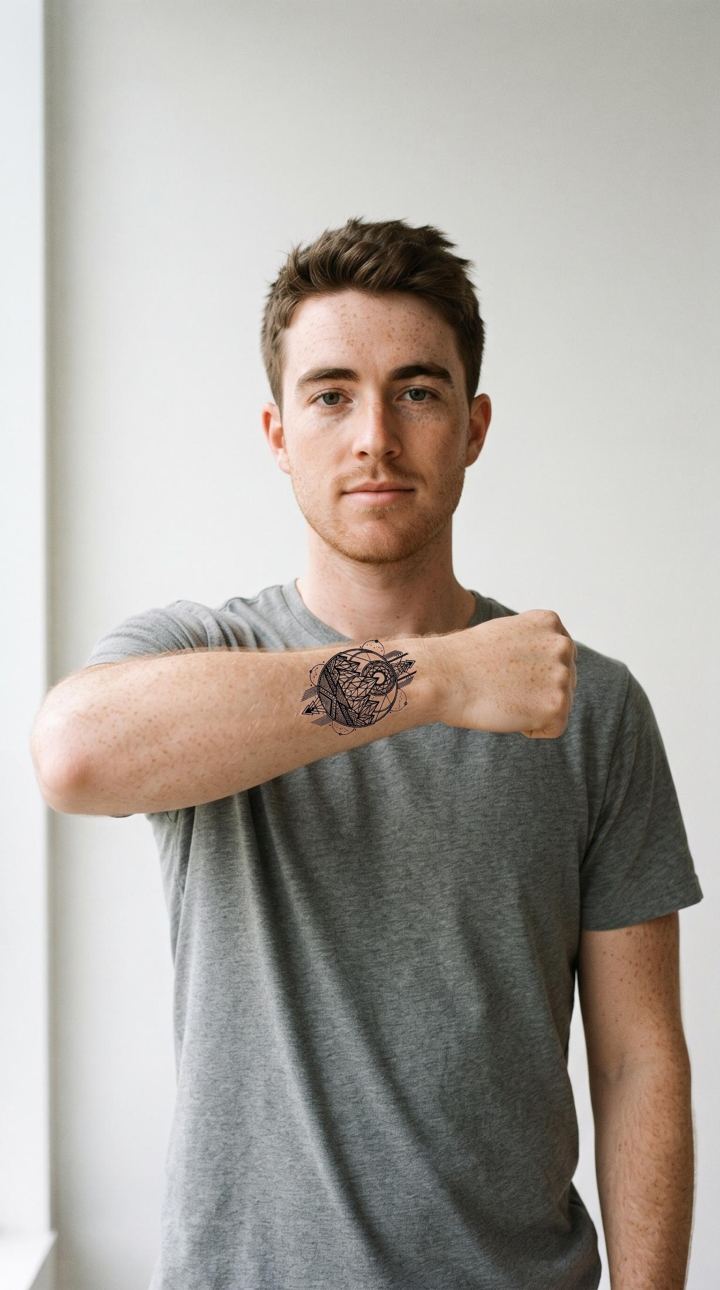 After
After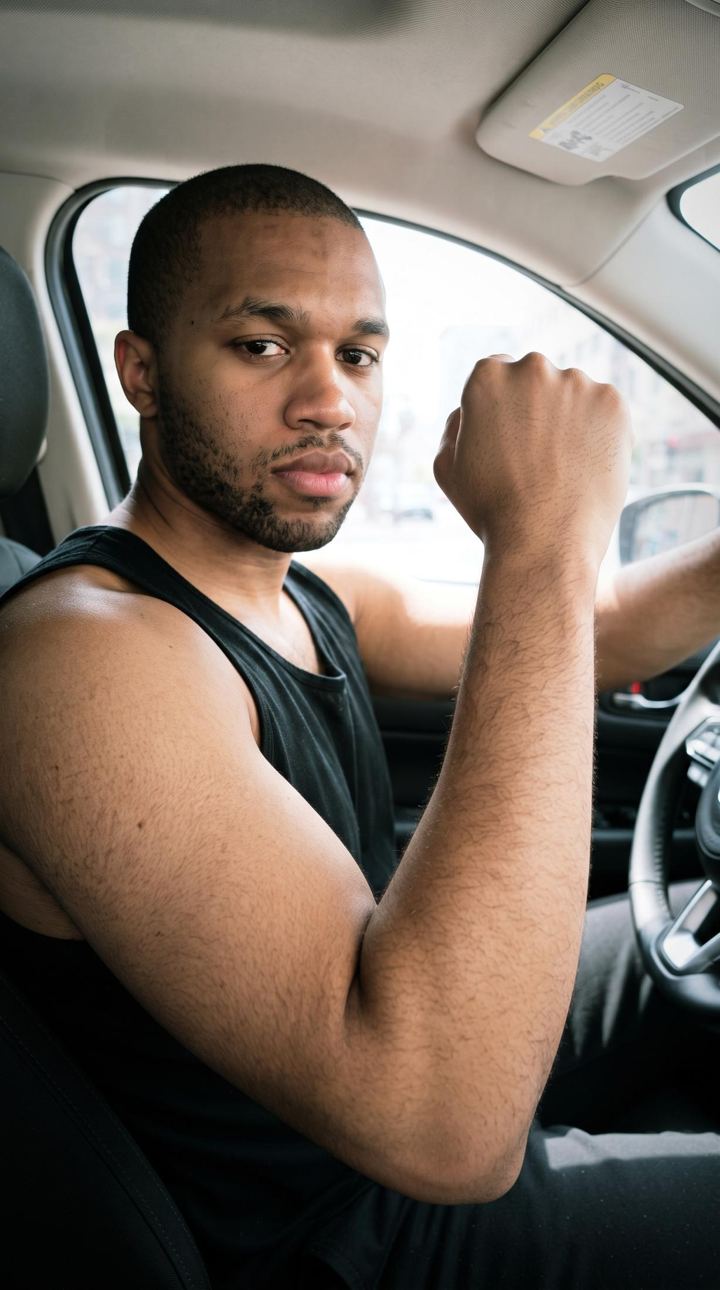 Before
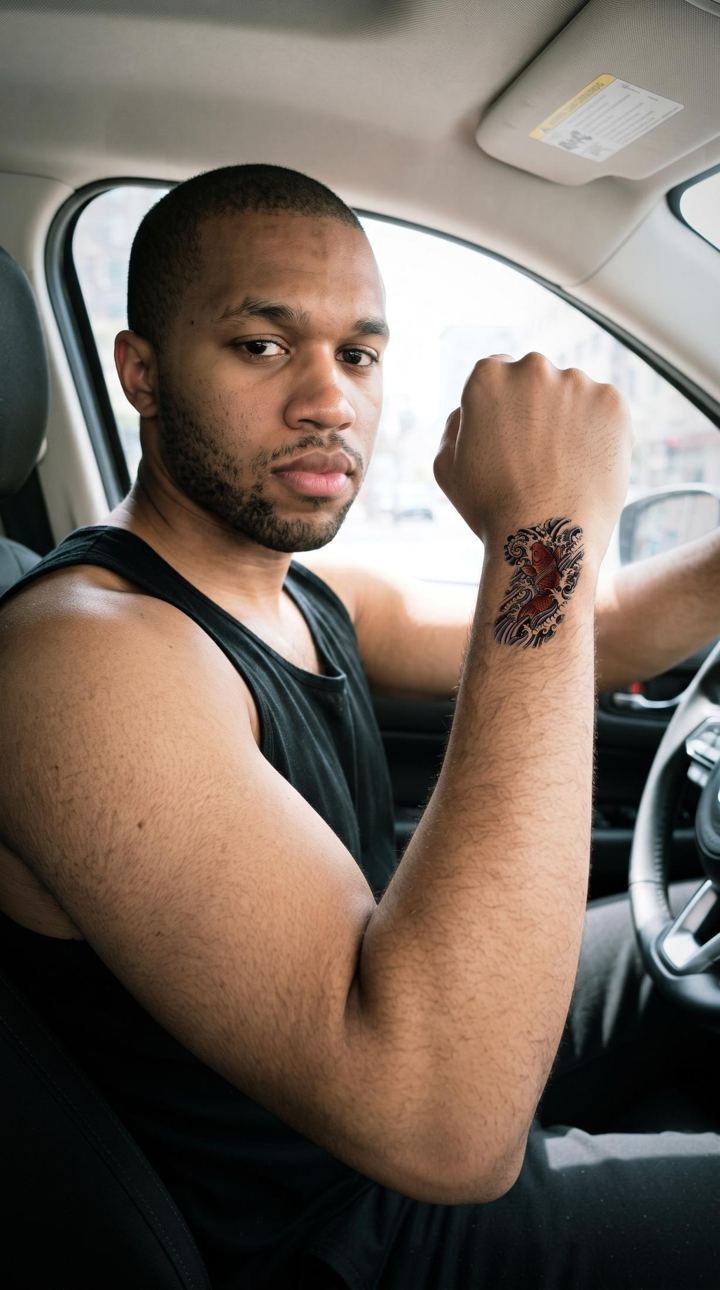 After
AfterFree tools – no app needed
Four small helpers right in your browser, for everything you want settled before the appointment.
Guide
How to see a tattoo before you get it, which style fits where, and what matters for a first tattoo.
Read the guideFrequently asked questions
How realistic is the preview?
The AI places the design using the light, shadows and skin tone of your photo – the way a freshly done tattoo sits. It is a preview, not a promise: your artist still puts the design on by hand.
What happens to my photos?
Your photo is used only for the computation – which runs at our AI provider Google, whose retention periods are in the privacy policy. On our own server, finished images stay for 24 hours at most and are deleted as soon as the app has collected them.
Can I use my own design?
Yes. Upload your own artwork or type lettering in one of our tattoo fonts. The fonts stay on our server – you receive the finished image.
Which styles are available?
17 styles, including fine line, realism, micro realism, American traditional, blackwork, geometric, Japanese, dotwork, tribal, Nordic and ornamental.
Which devices is Tattvue available for?
Tattvue is available for iPhone on the App Store. The free tools on this website run in any browser.